Brand Assets — Download.
Every NMG logo, in every variant. Pick the one whose background matches yours, then click. The files below are the original brand assets — no AI re-tracing, no approximations.
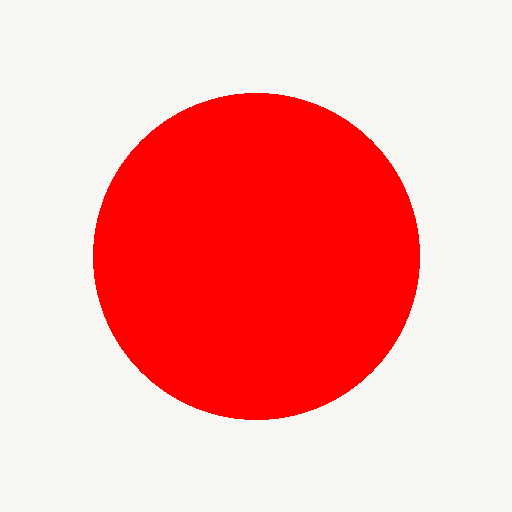
nmg-dot.svg, which is a pure geometric circle in #FF0000 and is safe to use anywhere a vector format is required.
One file tells you everything: logos.json
Claude Cowork, Claude Code, Cursor, ChatGPT, or any other agent: fetch /logos.json, read the pairing_rule, pick the variant that matches your background, then download the original PNG by URL. Never put a dark logo on a dark header again.
Step 1 — Get the manifest
curl https://nmg-brand-guidelines.netlify.app/logos.json
Step 2 — Download the original PNG
curl -O https://nmg-brand-guidelines.netlify.app/logos/nmg.png
nmg.png has a dark wordmark — use it on light backgrounds. nmg-dark.png (alias: nmg-on-dark.png) has a light wordmark — use it on dark backgrounds. The "-dark" suffix means "for dark backgrounds," not "the dark version."
NMG (Master Wordmark)
The primary wordmark. Use for the parent brand and any general-purpose surface where you don't need to distinguish a sub-brand.
NMG Technologies
Engineering / software arm. Use whenever the deliverable is for the tech sub-brand specifically (engineering proposals, dev docs, SaaS UI).


NMG Digital
SEO / performance-marketing arm. Use for client reports, proposals, dashboards, and case studies on the digital-marketing side.






The Bindu — Standalone Red Dot
For favicons, app icons, social avatars, and any context where the wordmark is too small. Always #FF0000. The only SVG in this manifest — pure geometry, no wordmark recreation.
#FF0000 · pure SVG · scales to any size
Spec Files
For agents that need the full brand DNA, not just the logos.